








Starting a Trip in the Levy App
To start a trip, a user will select an available scooter from the app or scan the QR code on top of the scooter. Before a trip begins, our system will check to ensure a user's account has been verified, they have accepted the rental agreement, a valid payment method has been added, and a balance of at least $10 has been added.
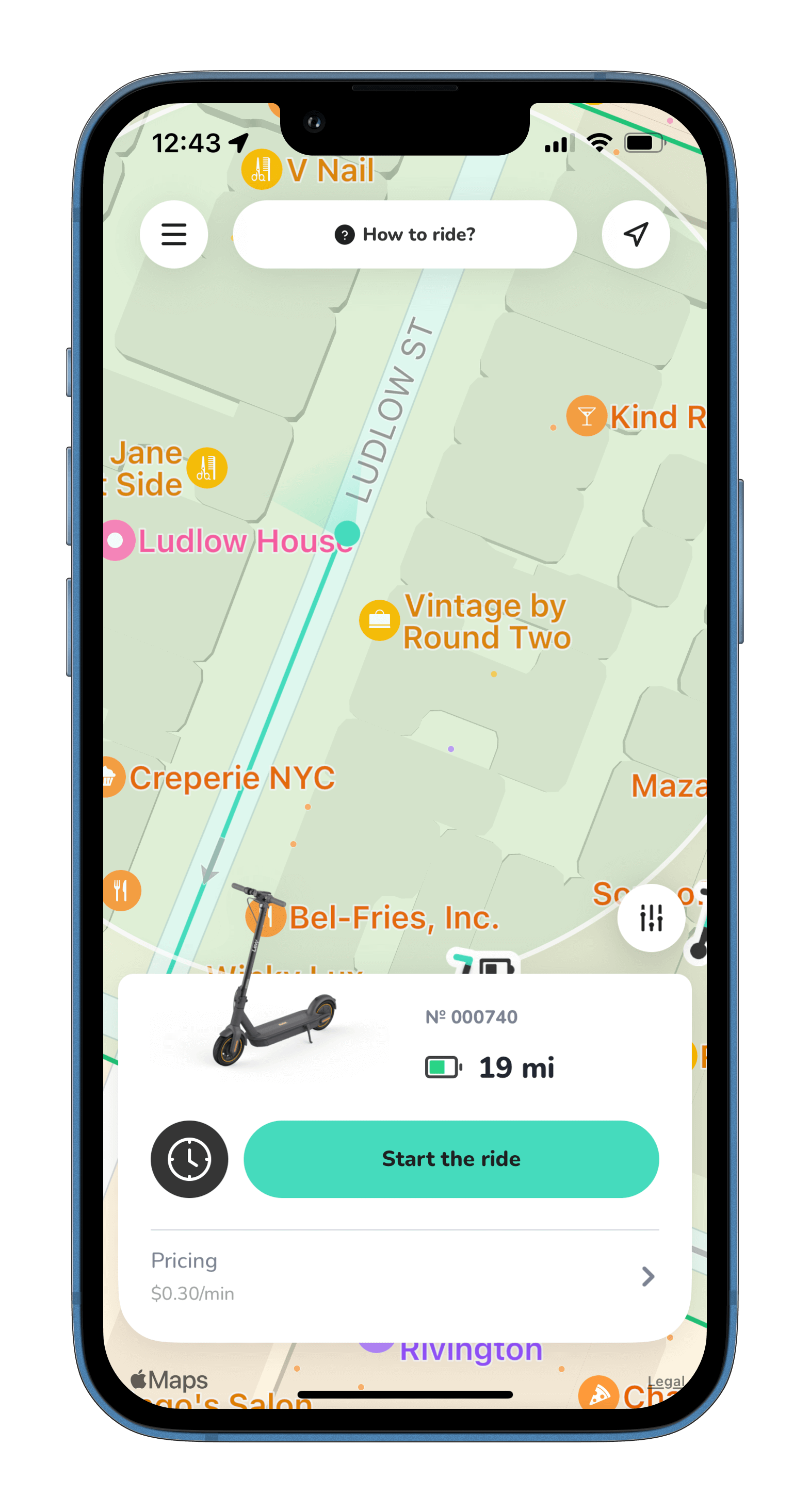
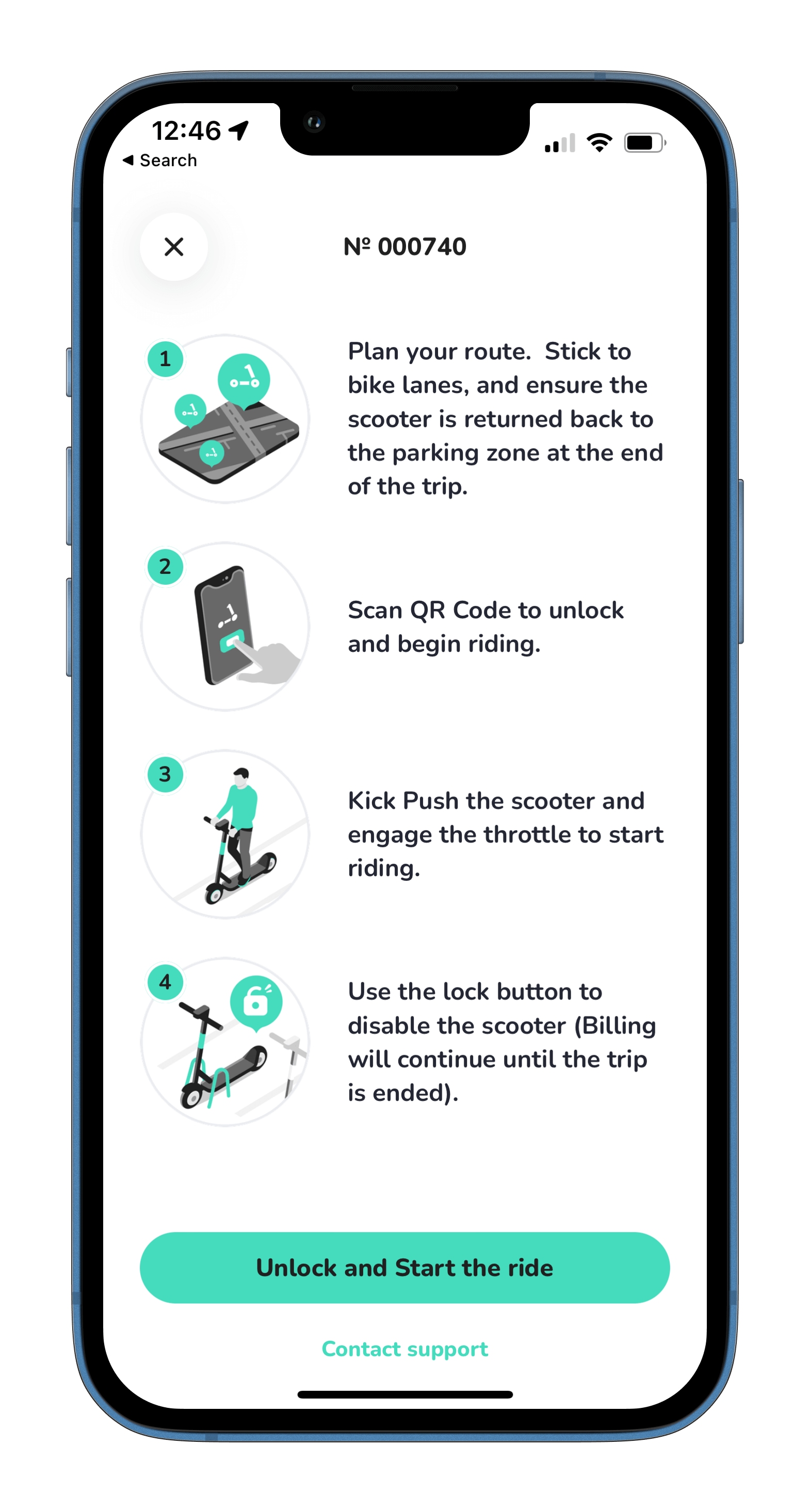
Upon starting the ride, the scooter will be unlocked and billing will begin. If it's their first ride, an additional push notification will be delivered with supplemental FAQs, in addition the default page below.
Was this article helpful?
Related Articles
Levy Fleets: Countries and Currencies FAQ
Levy Fleets operates worldwide in local currencies. Canadian programs, including car sharing, can run entirely in CAD for platform invoices, resident payments and operator payouts.
Levy Fleets Tool Access and Vehicle Eligibility FAQ
ZK600_Android_Manage_Tool and Levy Operator device-tool service are for current Levy Fleets customers with vehicles already onboarded to our software. Confirm your fleet account before requesting login, credentials or configuration help.
How does your rental fleet program work?
Levy Fleets is primarily a software and services package that we offer to 3rd party operators looking to launch their own scooter or bike rental fleet.